
AI FACE SWAP
Free AI Face Swap Online
Our image face changer works online and is free to try: upload the photo you want to change and a photo of the face to use, and the model places the face into the scene, matching skin tone and lighting.
Upload Your Images
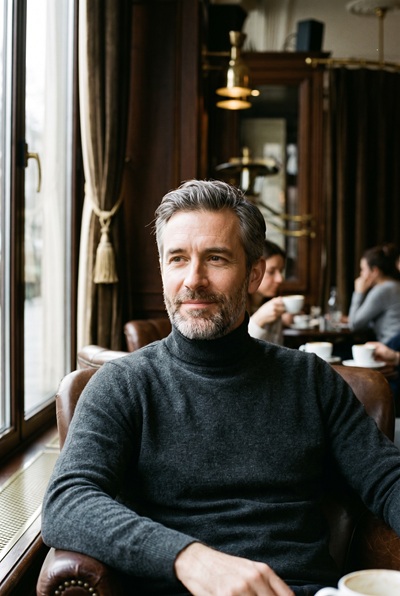
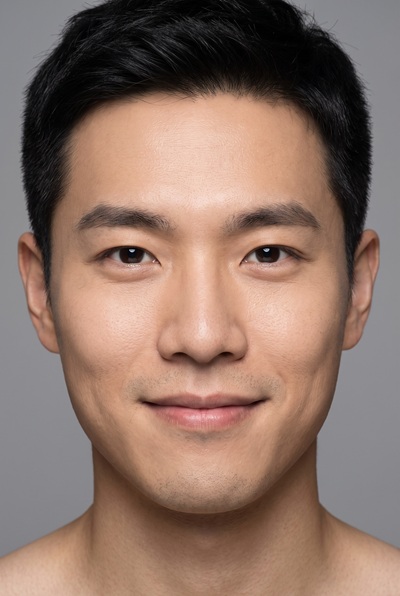
Photo 2 provides the face. Everything else comes from photo 1.
1. Base photo
Pose, hair and background stay
Drag and drop an image here, or click to browse
Supports PNG, JPG, JPEG, WebP (max 5MB)
2. Face photo
Only the face is taken
Drag and drop an image here, or click to browse
Supports PNG, JPG, JPEG, WebP (max 5MB)
HOW IT WORKS
From two photos to a new face in three steps
One photo provides the scene, the other provides the face. The model handles the blending.
- 01
Upload the scene and the face
Add the photo you want to change to the first slot, and a clear photo of the face to use to the second. PNG, JPG or WebP, up to 5MB per file. Sharp, front-facing photos work best.
- 02
Pick a model and settings
Choose a Seedream model, then set the output resolution and format. Higher resolutions keep the blend clean around the hairline and jaw. The selector only lists combinations the current model supports, up to 4K on some models.
- 03
Generate and download
Sign in and generate. Most results are ready in 30 to 60 seconds. Compare the result with your original using the slider, then download the full-quality file.
SAMPLES
What a face swap looks like
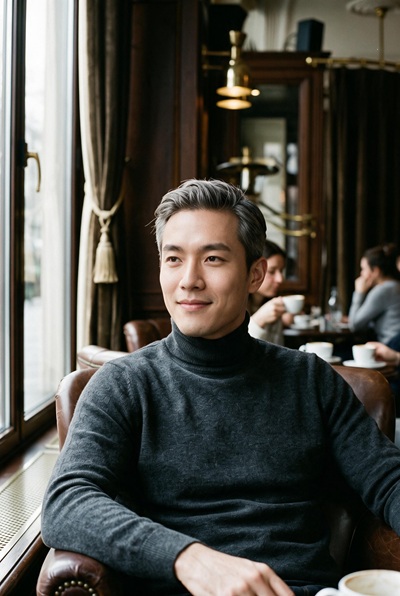
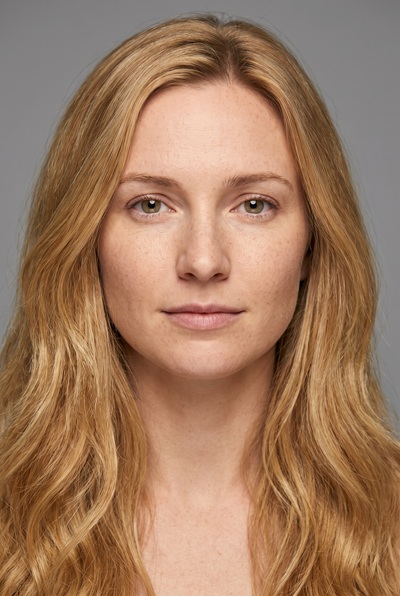
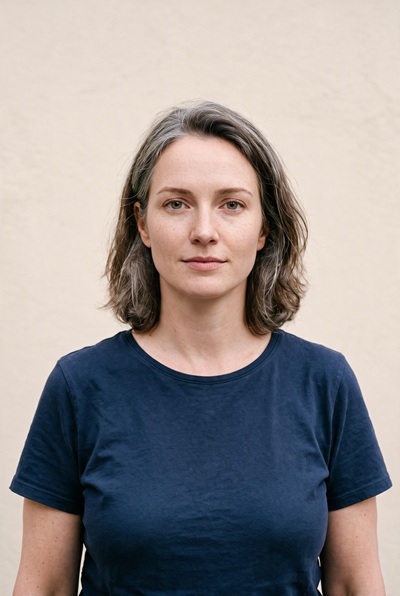
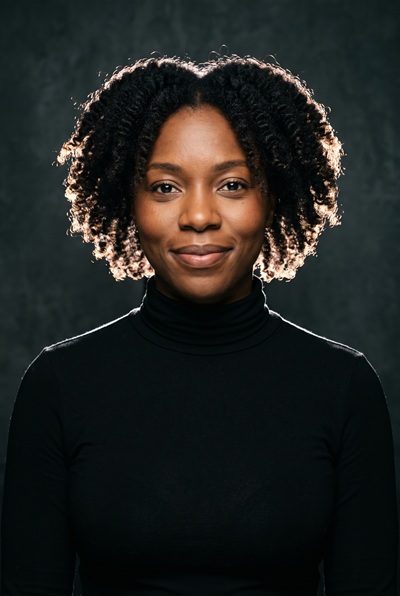
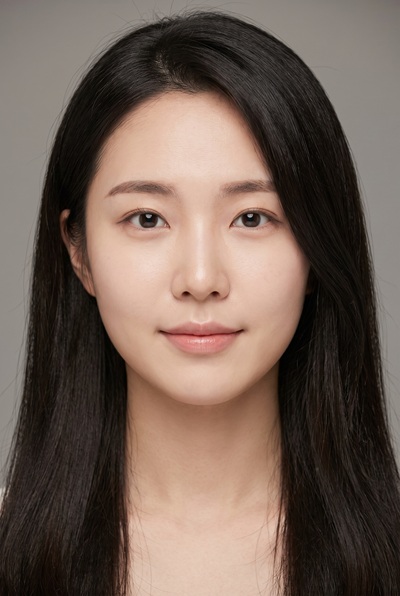
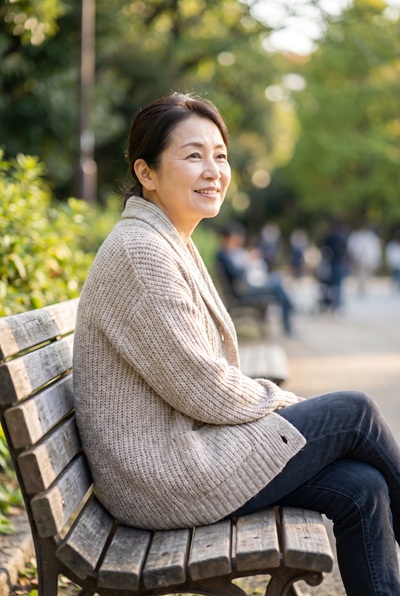
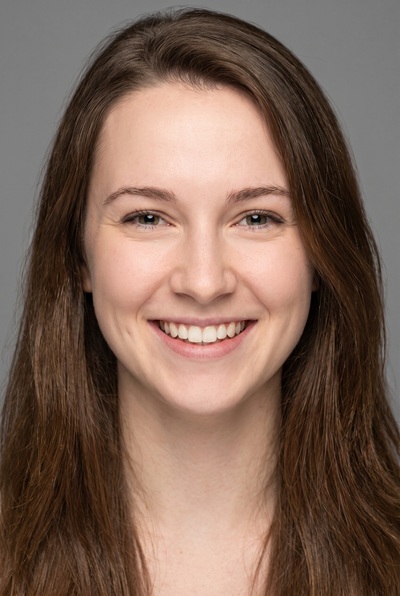
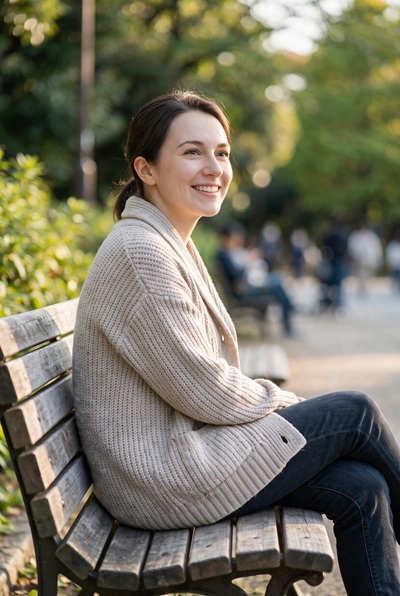
Every card shows the two photos that went in and the result that came out, with no manual retouching.
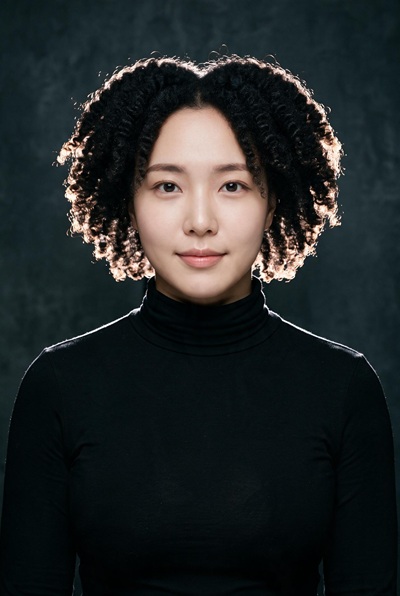
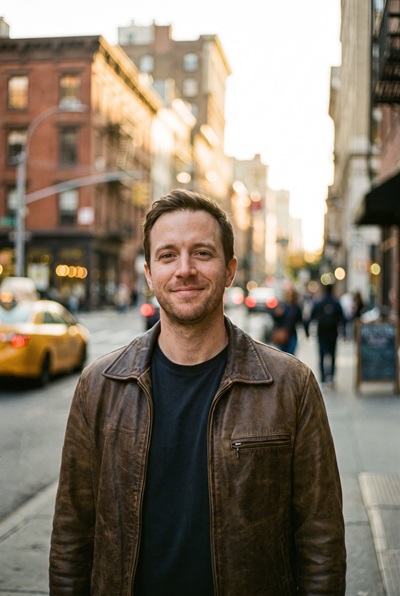
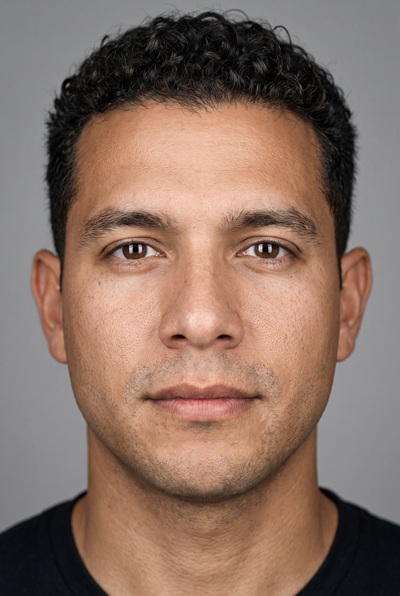
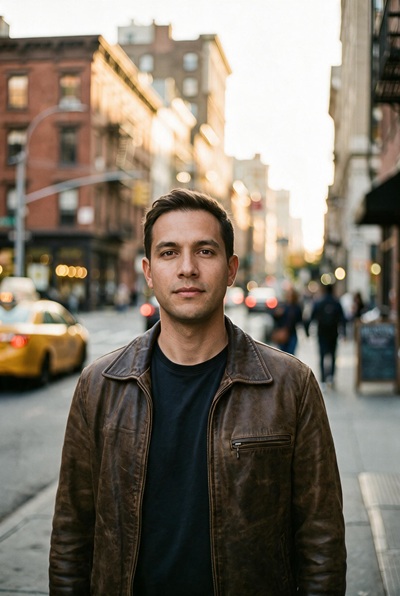
FEATURES
What the face swap does for you
Built on the Seedream model family. You bring the two photos and pick the settings, the tool handles the blending.
Identity in, everything else stays
The model takes the identity from the face photo and places it into the base photo. Pose, hairstyle, clothing and background come from the base photo, with skin tone and lighting matched to the scene.
Three Seedream models
For face swaps, 4.5 is tuned for portraits, 5.0 Pro is the balanced default, and 5.0 Lite reaches the largest sizes. Run the same pair through two models and keep the cleaner blend.
Output up to 4K
Depending on the model, results render at up to 4K, so the blended face holds up on large displays and in print. The selector only lists what the current model can deliver.
Full-quality downloads
The preview you compare on the page is compressed and watermarked so it loads quickly. The downloaded image is the full-resolution result, without a watermark.
Pay per result, refunded on failure
A face swap costs the credits shown before you click. If a run fails on our side, those credits return to your balance automatically.
Nothing to install
No app, plugin or desktop software is involved. The page works in any modern browser, and the blending runs on our servers.
ABOUT FACE SWAPPING
What face swapping is, and what this tool does with it
Face swapping means taking the face from one photo and putting it into another. The face photo provides the identity; the base photo provides everything else: the pose, the hair, the clothes, the setting and the light.
This image face changer sends both photos to a Seedream model. The model reads the facial features from the reference, then renders them into the base photo at the angle the scene demands, matching skin tone, lighting direction and color grading so the new face sits naturally in the picture.
The realistic limits: the closer the two photos are in angle and lighting, the cleaner the blend. A front-facing face into a front-facing portrait works well. Strong side profiles, heavy shadows, and faces partly covered by hair, hands or glasses give the model less to work with, and the edges of the blend can show. Check the hairline and the jaw at full size before using the result.
One rule matters more than any technique: only swap faces you have the right to use. Your own photos, or photos of someone who has agreed to it. Putting a real person's face into an image without their consent can violate their rights and our Terms of Service, regardless of how good the result looks.
TIPS
Get cleaner face swaps
The two photos you choose matter more than any setting.
- 01
Use a sharp, front-facing face photo
Identity transfer is only as good as the source. A well-lit, front-facing photo with the whole face visible gives the model the most to read.
- 02
Match the angle between the two photos
Front onto front, three-quarter onto three-quarter. A face photographed from the side placed into a front-facing portrait forces the model to invent the missing view.
- 03
Watch for covered faces in the base photo
Hair, hands, glasses or a microphone in front of the face leave the model less room to blend. A base photo with a clear, unobstructed face works best.
- 04
Keep the lighting in the same family
A face shot under soft indoor light blends into an indoor portrait more easily than into a harsh midday sun photo. The model adjusts tone, but extremes show.
- 05
Check the hairline and jaw at full size
That is where a blend shows first. Use the comparison slider and look closely before you download.
- 06
Only use faces you have permission to use
Your own face, or someone who has agreed. Using a person's likeness without consent can violate their rights and our terms.
FAQ
Frequently asked questions
Which image formats can I upload?
Both slots accept PNG, JPG, JPEG and WebP up to 5MB. The result can be PNG or JPEG; the exact options depend on the model. For the face photo, a sharp original matters more than the format.
Which photo goes in which slot?
The first slot takes the base photo, the scene you want to keep. The second slot takes the photo of the face to use. The result keeps everything from the base photo and replaces only the face. Swapping the order produces a different result, so check the labels above each slot.
How much does one generation cost?
Each generation costs credits, and the exact amount is shown next to the Swap Face button before you click, together with your remaining balance. Because the model reads two images instead of one, the price is twice that of the single-image tools on the same model. New accounts start with free credits, so you can try the tool before paying anything.
What happens if a generation fails?
Failures on our side refund themselves: the credits for that run go back to your balance automatically, without you contacting anyone.
Will it keep the pose and expression from the base photo?
Yes. The pose, framing, hairstyle and background come from the base photo; only the identity comes from the face photo. The model adapts the face to the angle and light of the scene rather than pasting it flat.
Does it work if the base photo has several people?
The tool is designed for one main person in the base photo. With several faces in the scene, the model may not replace the one you intended. Crop the base photo to the person you want to change before uploading.
Why does my result preview have a watermark?
Previews are compressed and carry a watermark so the page stays quick. Downloading gives you the full-resolution image, watermark free.
Are my uploaded photos private?
Face photos and base photos are processed to deliver and improve the service, never published or shared with other users. Given how personal face images are, upload only photos you have the right to use. Retention details are in our Privacy Policy.
Who owns the generated images, and whose face may I use?
You own the outputs generated for your account, subject to our Terms of Service. Only use your own face or the face of someone who has agreed to it, and only upload photos you have the right to use. Using a person's likeness without consent can violate their rights.
Can I create NSFW or adult content on this site?
No. Generating or editing NSFW, sexually explicit, or adult content is strictly prohibited on this site, as stated in our Terms of Service. Accounts that violate this policy may be suspended or terminated.